mirror of
https://github.com/elseif/MikroTikPatch
synced 2026-07-17 18:49:41 +00:00


IMPORTANT: For testing purposes only. Use at your own risk. Production environments require official licenses.
By proceeding, you acknowledge that:
- You have reviewed and comprehend the legal implications and risks involved
- These tools will be used exclusively in non-production, test environments
- Production deployments shall utilize officially licensed software
MikroTik RouterOS Patch [中文]


[Discord] [Telegram] [Keygen(Telegram Bot)]
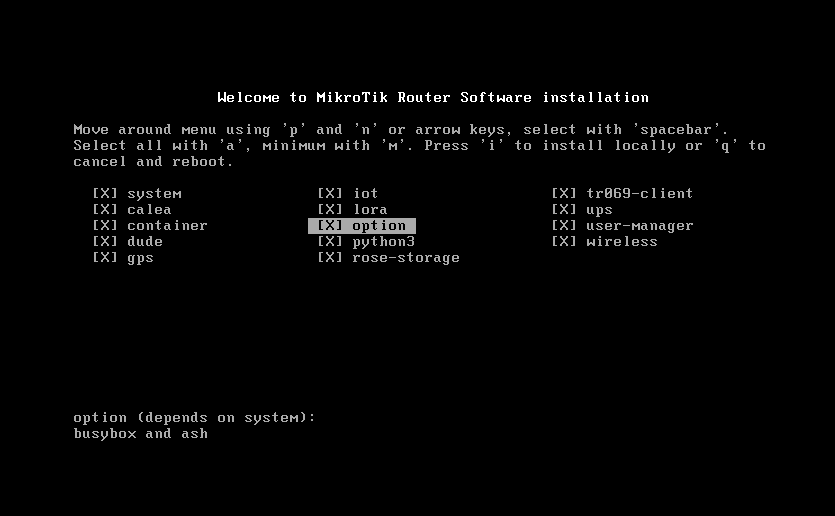
Download Latest Patched iso file,install it and enjoy.
CHR image is both support BIOS and UEFI boot mode.
Support online upgrade,online license,cloud backup,cloud DDNS
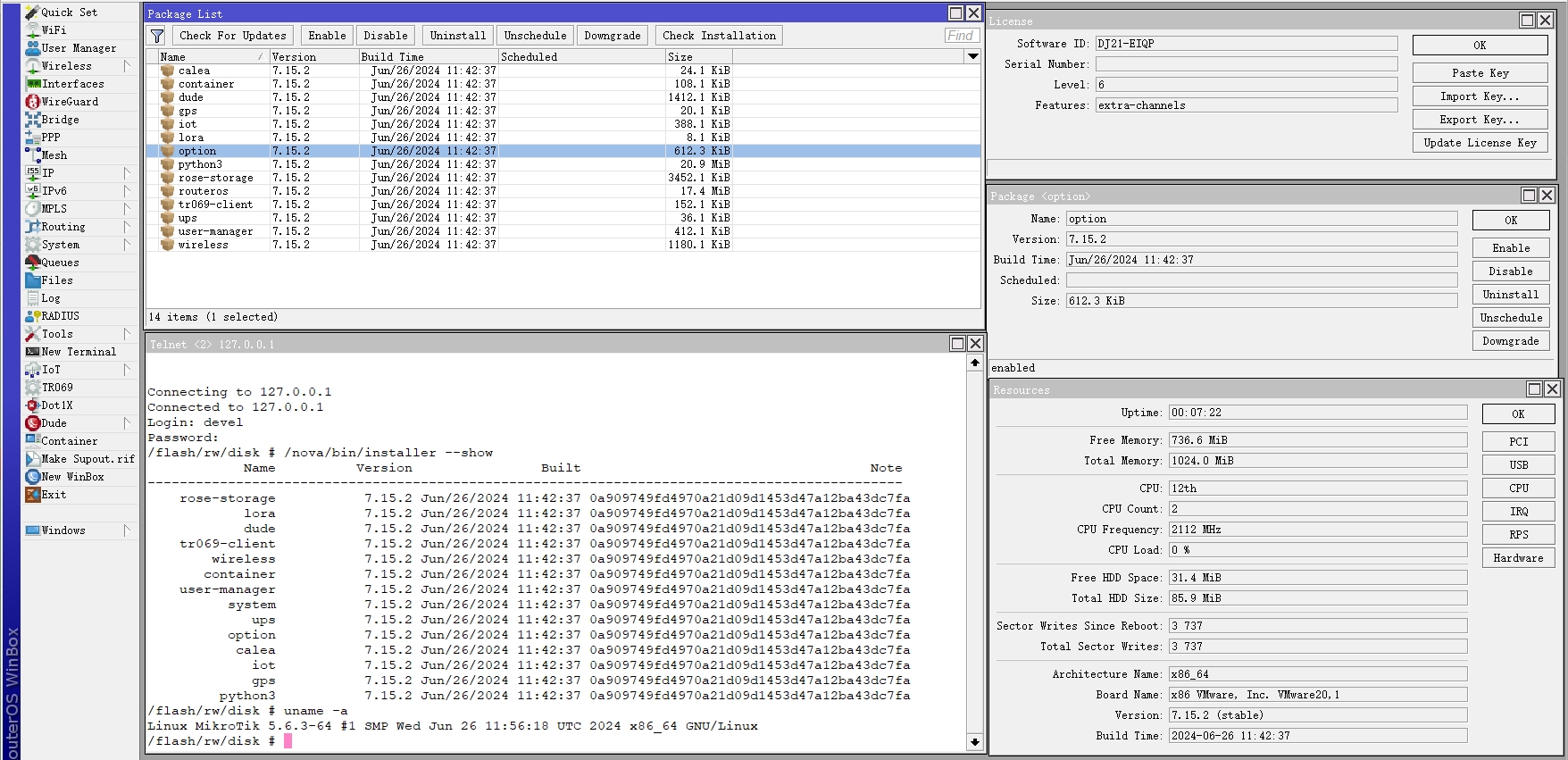
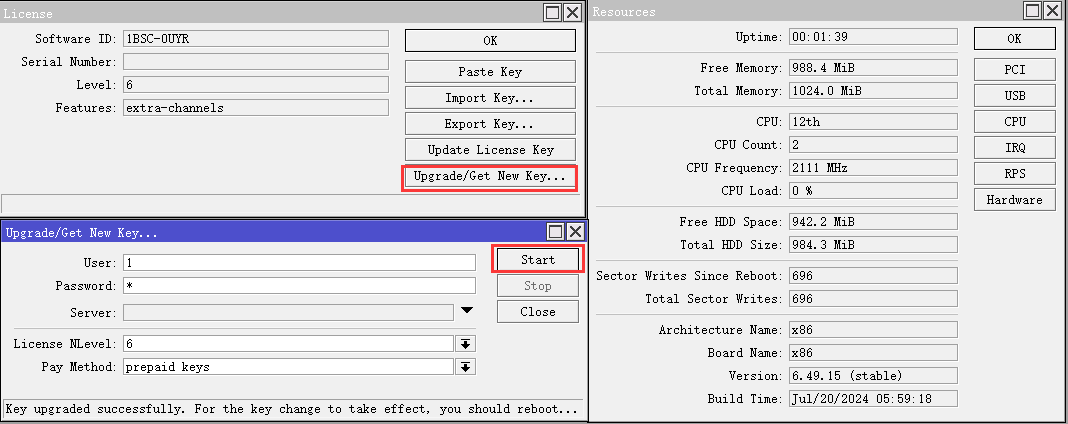
Renew license for x86 v6.x
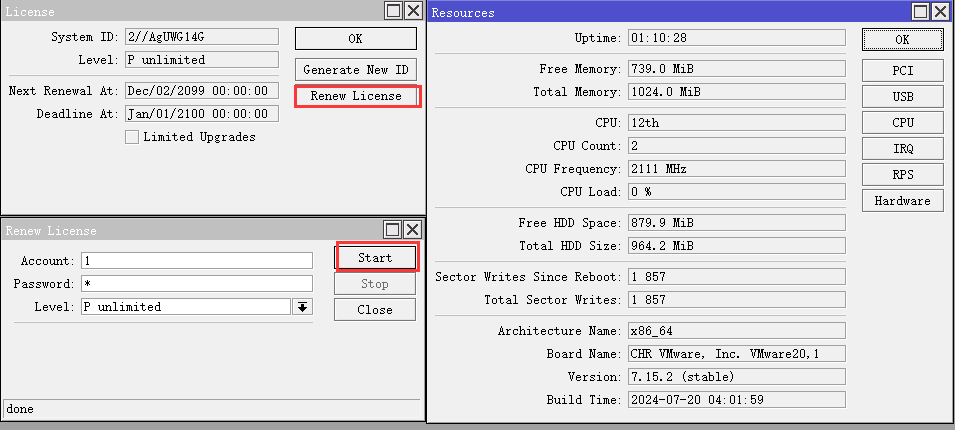
Renew license for chr
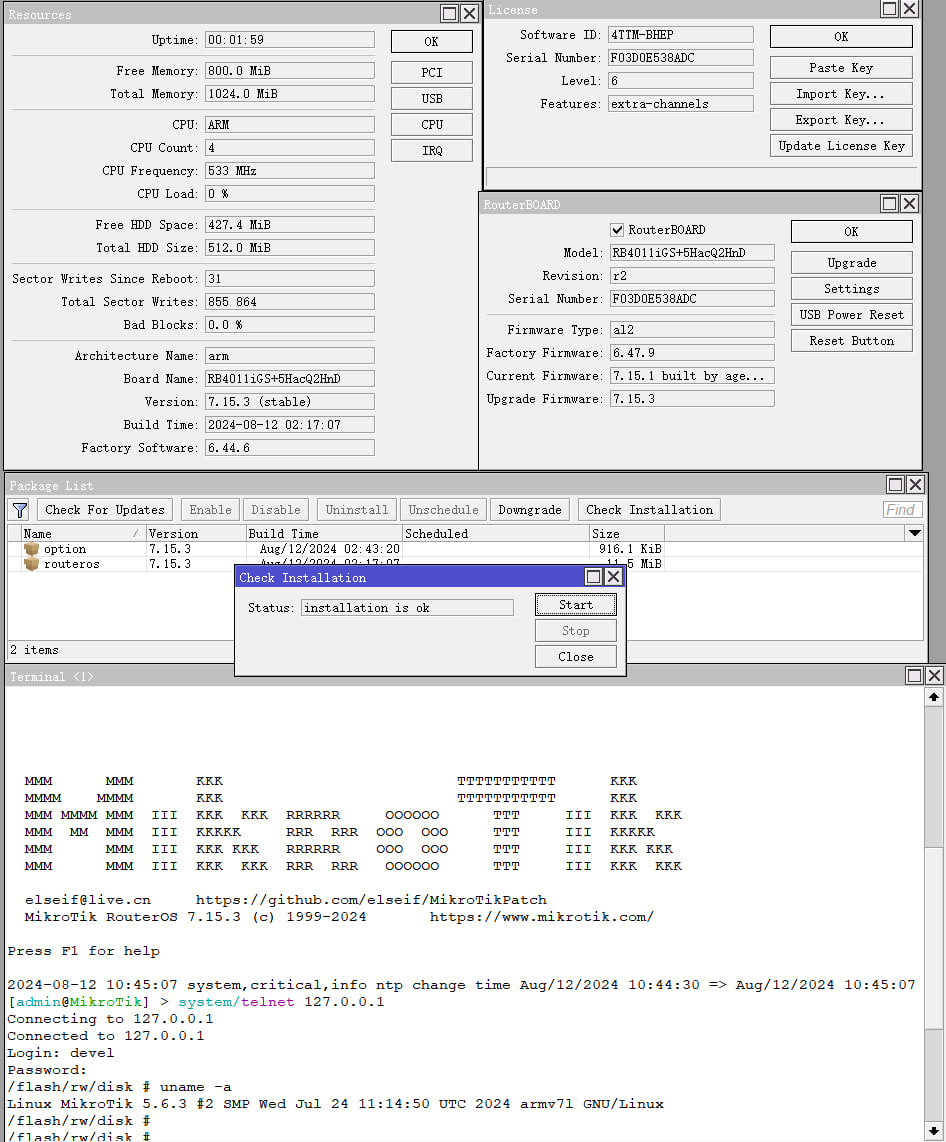
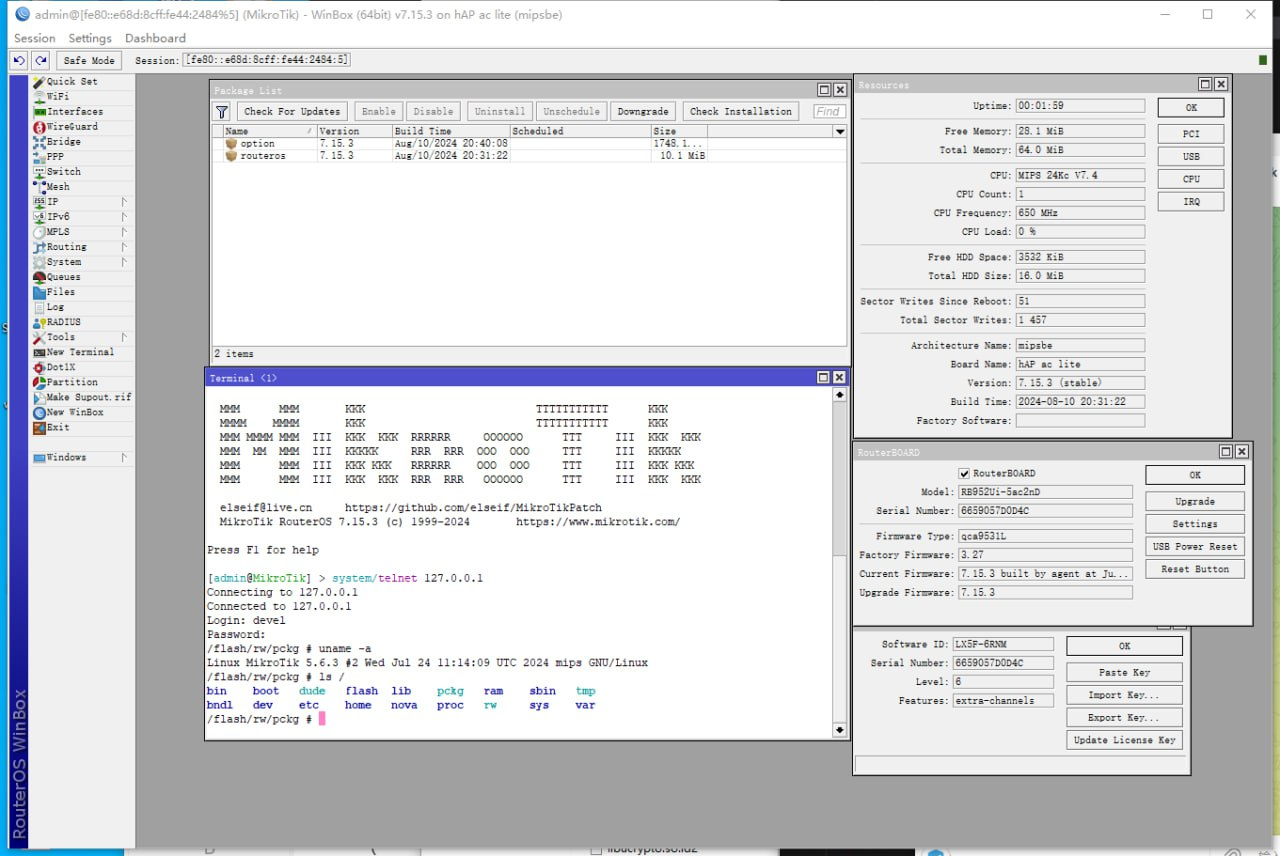
How to use shell
install option-{version}.npk package
Enter the shell by executing /sh in the terminal.
How to license RouterOS
After installing the option-{version}.npk package, reboot the device. The license will be activated automatically.
CHR images support online license activation
How to use python3
install python3-{version}.npk package
Enter the shell by executing /sh in the terminal.
run python -V
npk.py
Sign,Verify,Create, Extract npk file.
patch.py
Patch public key and sign NPK files
How to Enable Container Mode Without Physical Reboot
1. Install the option.npk package.
2. Open a terminal and run: `system/device-mode/update container=yes`
3. Open a new terminal and run: `system/shell cmd="reboot -f"`